Blog
/
Kitchen Display System vs Printed Tickets: Cost Comparison
A Practical Cost and Efficiency Analysis for Modern Restaurant Kitchens
December 26, 2025
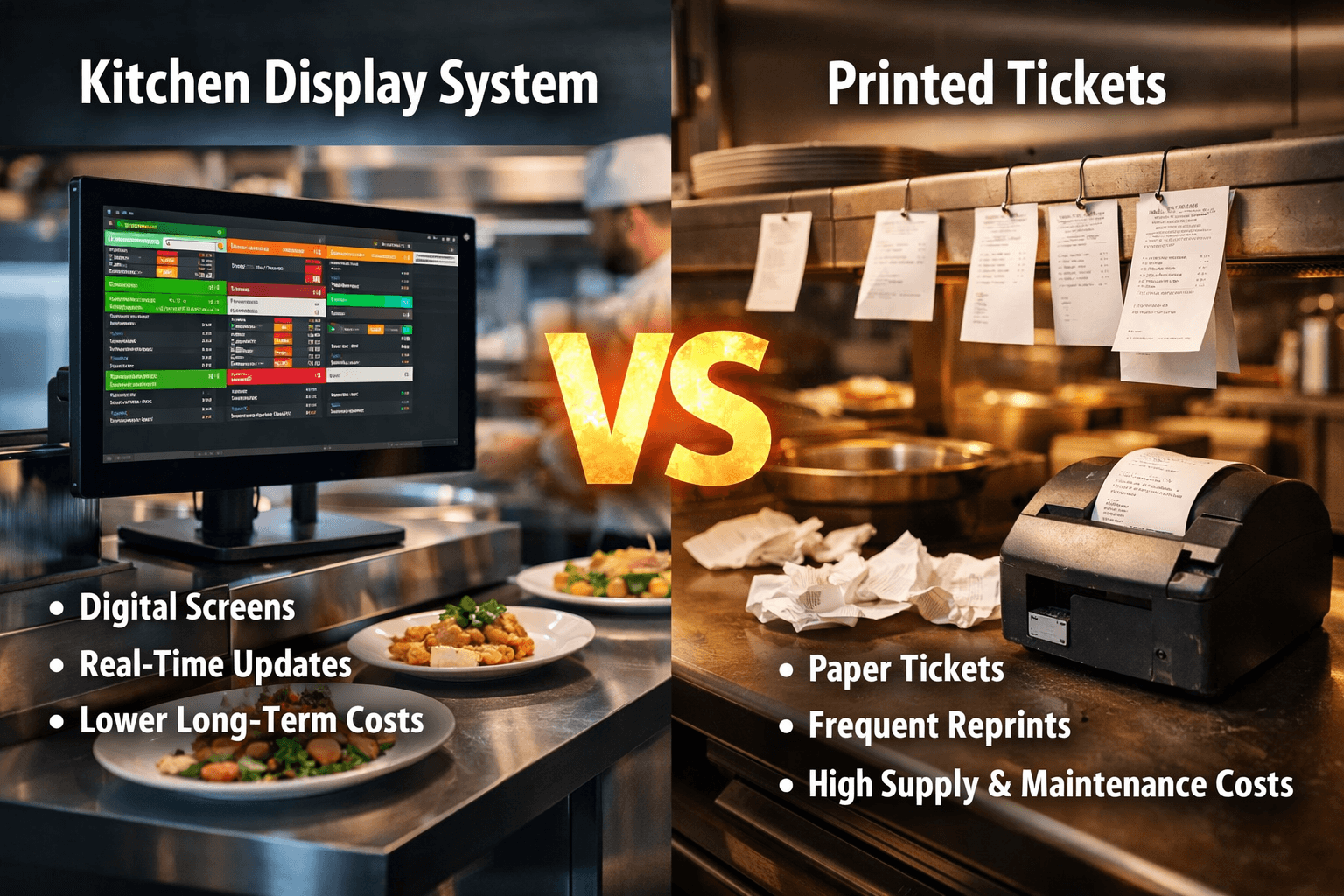
Managing a kitchen can be likened to leading a symphony, where each component must be precisely coordinated and harmonized. In terms of order management, two primary methods prevail: traditional printed tickets and modern kitchen display systems (KDS). The key question is, which approach offers the most financial viability and cost-effectiveness?
Let’s break it down in plain English—numbers, logic, and real-world kitchen realities included.
Introduction to Kitchen Workflow Technologies
Why Cost Matters in Kitchen Operations
Margins in food service are tight. A few cents saved per order can turn into thousands over a year. That’s why choosing between a KDS and printed tickets isn’t just a tech decision—it’s a financial one.
Traditional vs Digital Kitchen Management
Printed tickets have been around forever. They’re familiar, simple, and tangible. KDS, on the other hand, brings digital screens, automation, and data into the kitchen. One feels like pen and paper; the other feels like a smartphone.
Understanding Printed Ticket Systems
What Are Printed Kitchen Tickets?
Printed tickets are physical order slips generated by a POS printer and sent to the kitchen. Cooks read them, clip them, and toss them once the order is done. Simple, right? Yes—but simplicity comes with hidden costs.
Initial Setup Costs
Hardware and Printer Expenses:Thermal printers aren’t free. A single printer can cost anywhere from $200 to $500, and most kitchens need more than one. Add cables, mounts, and backups, and the bill adds up fast.
Paper and Ink Consumption:Paper rolls may seem cheap, but they’re a recurring cost. Multiply daily usage by 365 days, and suddenly you’re spending hundreds—or thousands—every year just to print orders.
Ongoing Maintenance Costs
Repairs and Replacements
Printers jam. They overheat. They break during rush hours (always during rush hours). Repairs and replacements are an unavoidable expense.
Labor Inefficiencies
Illegible tickets, lost slips, and misread handwriting slow everyone down. Time is money, and printed tickets quietly steal both.
What Is a Kitchen Display System (KDS)?
Core Features of a KDS
A kitchen display system replaces paper tickets with digital screens. Orders appear instantly, are color-coded, timed, and organized automatically.
How Modern Kitchens Use KDS
Order Routing and Real-Time Updates:Orders flow directly from POS to the right station. Grill sees grill orders. Fry station sees fries. No confusion, no paper shuffle.
Integration with POS Systems:Modern KDS platforms—like those offered by Peblla—integrate seamlessly with POS systems, ensuring data consistency and real-time updates.
Cost Breakdown of Kitchen Display Systems
Upfront Investment
Hardware (Screens, Mounts, Controllers):A KDS typically requires commercial-grade screens or tablets. Initial costs are higher than those of printers, usually ranging from $600 to $1,500, depending on setup.
Software Licensing:Most KDS solutions include software fees. These may be one-time or subscription-based.
Ongoing Costs
Subscription Fees:Monthly fees are common, but predictable. Unlike paper, they don’t fluctuate with volume.
Minimal Maintenance Needs:Screens don’t jam. Updates happen remotely. Maintenance costs are significantly lower than printer-heavy setups.
Direct Cost Comparison: KDS vs Printed Tickets
Short-Term Costs
Printed tickets win in the short term. Lower upfront costs make them attractive for new or very small operations.
Long-Term Costs
This is where KDS shines.
1-Year Cost Perspective:Within one year, paper, ink, repairs, and inefficiencies often narrow the cost gap dramatically.
3–5 Year Cost Perspective:Over multiple years, KDS often becomes cheaper overall. No paper, fewer errors, faster service—it all compounds.
Hidden Costs You Might Overlook
Waste and Errors
Printed tickets contribute to food waste due to misreads or lost orders. KDS dramatically reduces this risk.
Downtime and Order Mistakes
One printer failure can bring chaos. A KDS setup usually includes redundancy and alerts.
Staff Training and Turnover
Digital systems like Peblla’s KDS are intuitive. Faster onboarding means lower training costs and happier staff.
Efficiency and ROI Considerations
Speed of Service
KDS improves ticket times by showing clear priorities and timers. Faster food equals happier customers.
Order Accuracy
Reduced Re-fires and Complaints:Clear digital orders reduce mistakes, saving food and reputation.
Higher Table Turnover:Faster kitchens mean more tables served. More tables served means more revenue.
Scalability and Future-Proofing
Growing with Multiple Locations
Printed tickets don’t scale well. KDS platforms—especially Peblla—allow centralized control across locations.
Adapting to Delivery and Online Orders
Third-party delivery, QR ordering, kiosks—KDS handles it all effortlessly.
Peblla’s Role in Modern Kitchen Display Systems
Why Peblla Stands Out
Peblla offers a cost-effective, scalable KDS designed for real-world restaurant needs.
Cost-Effective KDS Solutions:Peblla minimizes hardware dependency while maximizing functionality.
Seamless POS Integration:Orders flow smoothly, reducing friction between front and back of house.
Peblla vs Traditional Ticket Printing
When compared over time, Peblla-powered KDS setups consistently reduce operational costs and improve efficiency.
Environmental Impact and Sustainability
Paper Waste Reduction
No paper means less waste. Simple math, big impact.
Energy and Resource Efficiency
Modern screens consume minimal power compared to constant printer usage.
Which System Is Right for Your Business?
Small Cafes and Food Trucks
Printed tickets may work initially, but compact KDS setups are becoming more affordable.
Mid-Size Restaurants
KDS offers the best balance of cost savings and efficiency.
Large and Multi-Unit Operations
KDS isn’t optional—it’s essential.
Suppose you’re thinking long-term, absolutely. While printed tickets feel cheaper upfront, kitchen display systems—especially those powered by Peblla—deliver better ROI, lower hidden costs, and future-ready operations.
Choosing between a kitchen display system and printed tickets isn’t just about technology—it’s about vision. Printed tickets belong to the past. KDS represents efficiency, scalability, and smarter cost management. When you factor in waste reduction, labor savings, and improved accuracy, KDS clearly wins the cost comparison battle in the long run.